
Stop making people take pictures of your sermon slides.
Give your congregation one mobile link to swipe through, save, and revisit everything from Sunday — sermon slides, scripture, songs, notes, giving, and next steps.
No app required. Live in minutes.

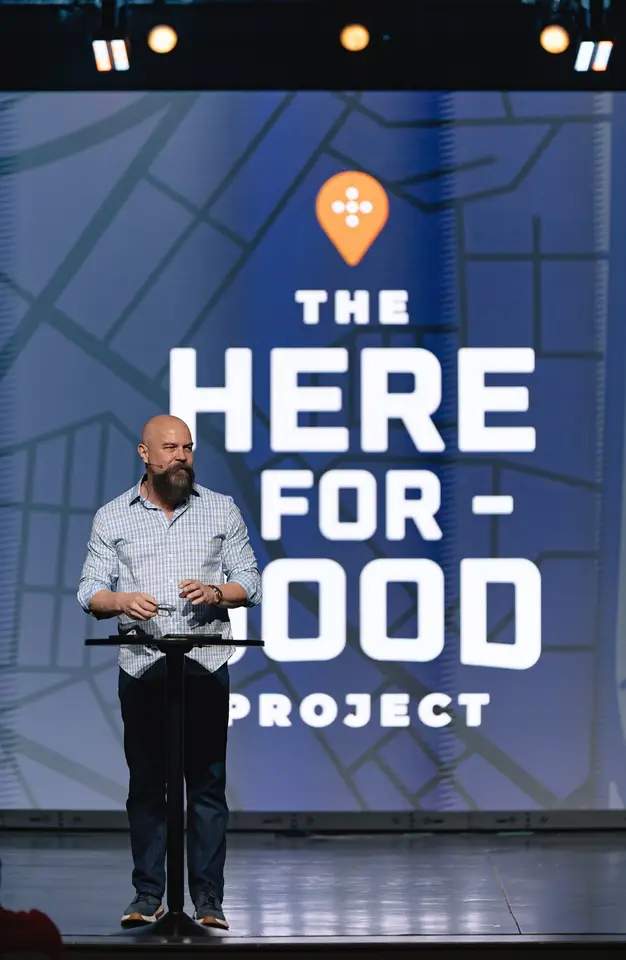

Watch, download & share everything from today's service.
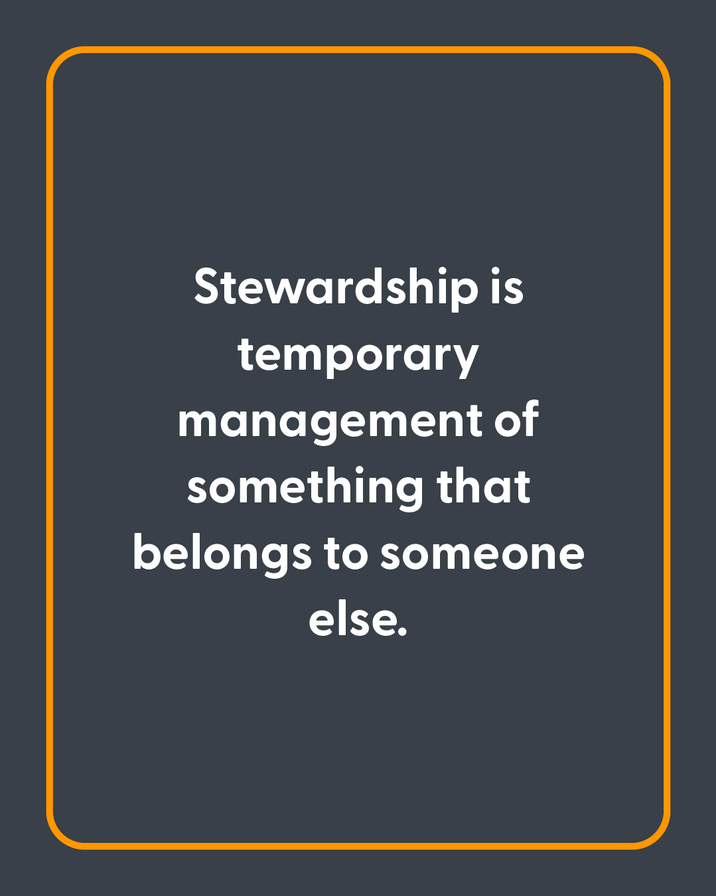
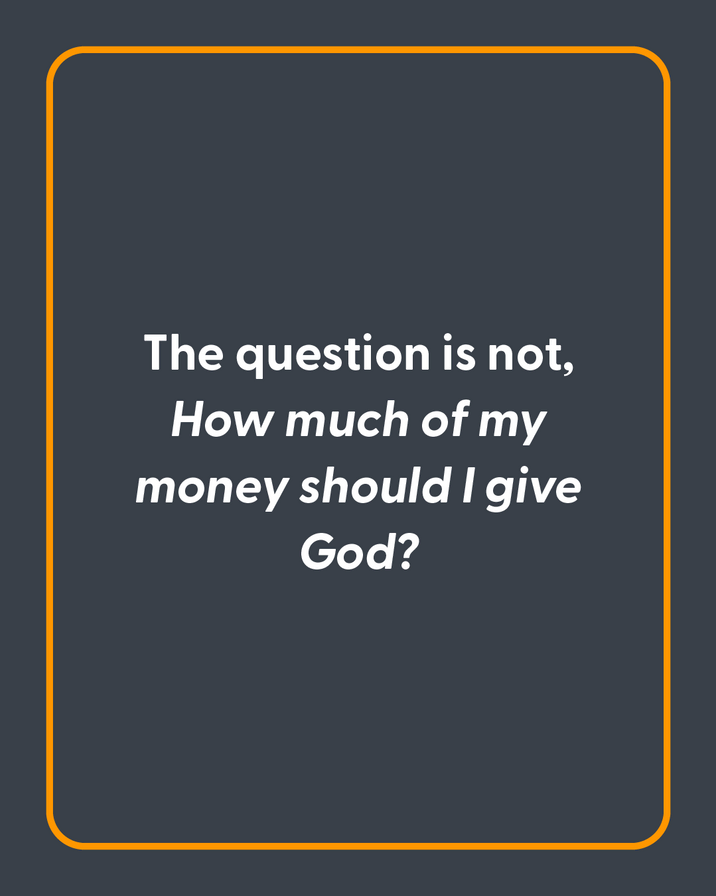



Coming Up
Advance Commitment Night

One page replaces the Sunday scavenger hunt
From screen to phone
Sunday keeps going after Sunday.
Your team already did the work. Preachly makes it useful in the room and throughout the week.
Bring in Sunday
Upload your slides or use Smart Import and Planning Center to bring in the content your team already created.
Share one link
Put the QR code on screen, text the link, or add it anywhere your congregation already looks.
Let people keep it
People swipe through the message, save the slides that matter, and open every next step from the same page.
More than a gallery
The message becomes a next step.
People can move from hearing to responding while the message is still fresh — without hunting through five different places.
Save what mattered
Keep an individual sermon slide with one tap.
Go deeper
Read the scripture, notes, and worship set in context.
Respond right away
Give, register, connect, or ask for prayer.
Come back later
Revisit everything from Sunday through one link.
Questions, answered
A simpler way to share church slides
How do churches share sermon slides with their congregation?+
Upload your sermon slides to Preachly.io, then share the page with a link or QR code. Attendees can swipe through every slide and save the ones they want from any phone — no app or account required.
Can attendees save church slides to their phone?+
Yes. Attendees can save an individual slide directly to their phone with a tap. They do not need a Preachly.io account or a separate app.
Does it work with Planning Center?+
Yes. Preachly.io can import service information from Planning Center, and Smart Import can help turn the content your team already made into a page without rebuilding Sunday from scratch.
What can we put on the page besides slides?+
The same link can include scripture, sermon notes, worship songs, giving, events, connect cards, prayer, announcements, and next steps.
Is the free plan really free?+
Yes. No credit card is required. You get 14 days of expanded tools, then your one page remains live and editable forever. Paid plans unlock more pages, a custom Church URL, and the full engagement toolkit.
Everything from Sunday. One simple link.
Give them something better than a picture of the screen.
Create your first page free. No credit card required.
Create your free page